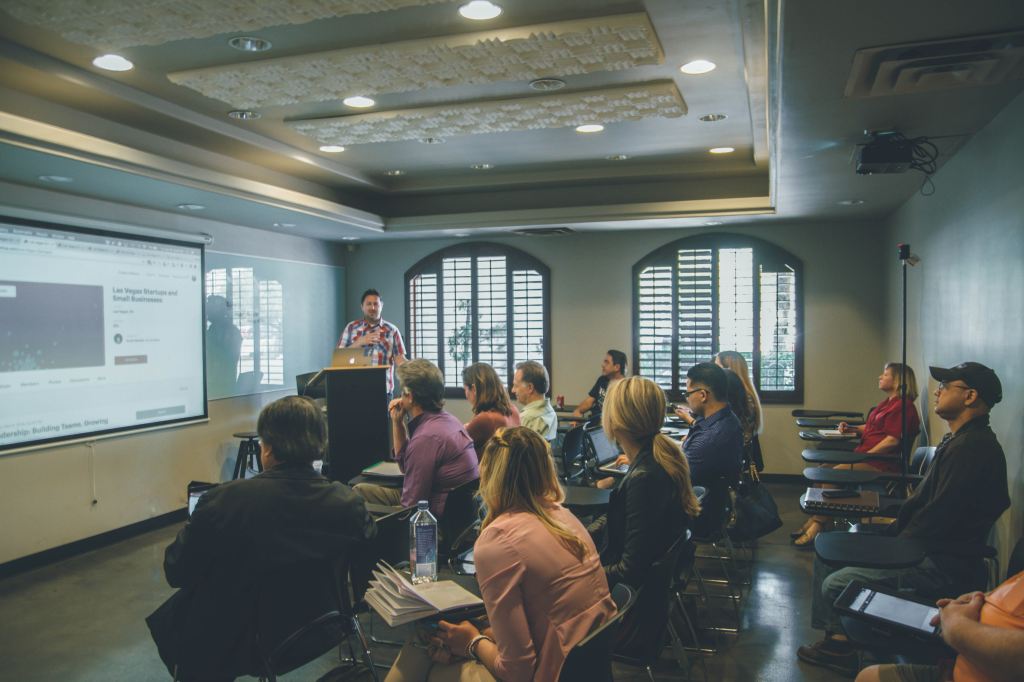
I attended a professional development today with my district, and I was given the chance to present with another teacher about student engagement. What a huge topic! I’m not sure that I’m an expert on keeping kids engaged all the time, but I invited audience participation, and my co-presenter was pretty awesome, so it went well and felt good. The day, though, was full of other tools and ideas that I want to try. I’ve posted here a few times about related topics, so I’m going to try to focus on the “thinking out loud” aspect of this. I think the most productive thing I can do here is to share my decision-making and invite comment or discussion about the tools and my reasons for using them.
So I attended a session about Seesaw, a session about tools to help us be connected educators, and a session about My Maps and Google Tour Creator (and Google Earth Studio). There was a ton of stuff in the first session, and a whole bunch more in the last two. Some of my favorite tools that I didn’t know much about were the National Geographic Teacher Certification and Fellows program, the Pulitzer Center, ways to use Instagram to engage kids, Google Tour Creator and Google Earth Studio, and lots of new features of Seesaw.
I think there are a lot of opportunities for me to connect and grow this summer – maybe too many. I want to try so many things, but my time is limited, even in the summer. I’m going to start teaching summer school on Monday, and I have some other big goals (my reading goals are the biggest ever). But I think the decision of what to focus on is important. So here are some decisions:
- Right now, I think that Seesaw represents a good blend of features for students, with the option to use video, audio, text, or drawing for kids or teachers, the network of teachers who use it and the available curriculum and support offered because of it, and the ease of feedback and connection to grading through the online interface and the mobile app. I like blogging, and I like FlipGrid for some things (#Gridpals, for example, seem like something I have to try), but I think Seesaw fits a lot of student, parent, and teacher needs.
- EdPuzzle is a similar tool, although it’s more about sharing content than about students creating content. It’s built around video and works well with YouTube, which is a frequently used tool in my classroom. It allows me to make more specific instructional use of videos from YouTube, which is helpful. It also allows me to track how kids respond, and even grade their responses to questions I give them during the video.
- Google Classroom is still going to be our “home base,” since it allows me to post links and house everything else in one primary place. Kids might be using multiple other tools over the course of the year, and Classroom allows me to consistently put links or other information in one main starting point.
- BrainPop, Flocabulary, and the Discovery Science Techbook will still be an important part of the class, but not every day.
I have more to say about this, but not much more right now. Thanks for reading!


 Writing, Technology, and Literacy
Leave a comment